














However, the speed of the website is no longer a “nice to have” in the year 2026, as the speed of the website directly impacts the SEO rankings, user experience, as well as conversions on the website. A slow website can lose visitors in just a matter of seconds, while a fast website can keep visitors engaged, allowing you the best chance of converting visitors into customers.
If you are running a wordpress website, the good news is that you don’t need to be a programmer to optimize the speed of your wordpress website, as the right wordpress speed optimization plugins can help you achieve faster page loading with just a few clicks.
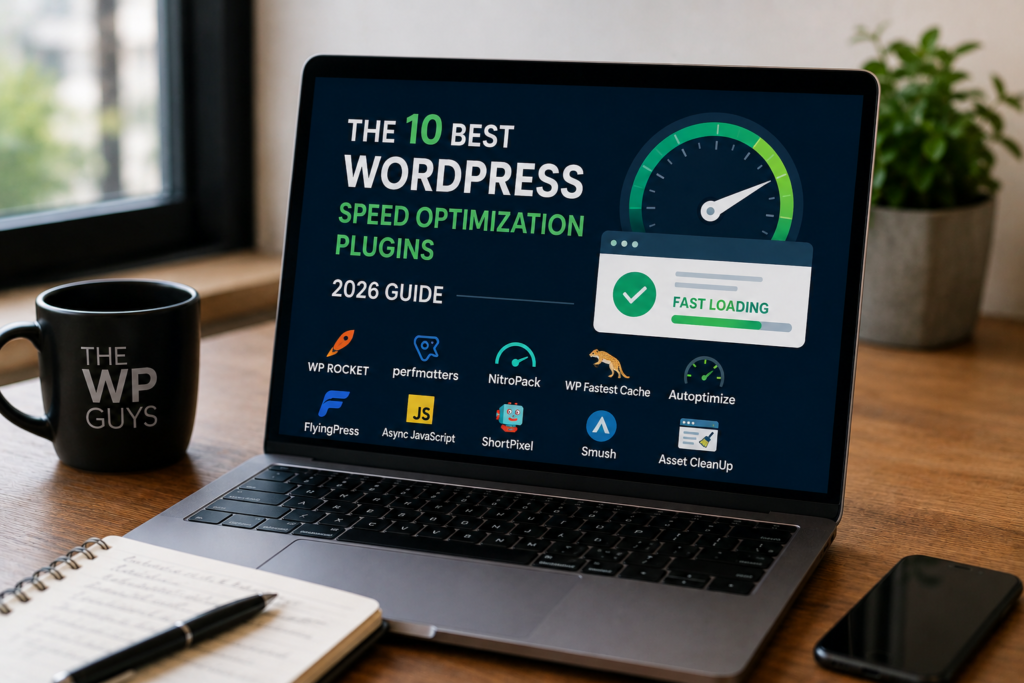
Let’s now discuss the top 10 wordpress speed optimization plugins in the year 2026.
WP Rocket is the best caching plugin for wordpress. It is easy to use and works out of the box with minimal configuration required.
Key features
- Page caching.
- Lazy loading of images and videos.
- Database optimization.
- Minification of CSS and JavaScript files.
- CDN support.
- Delay in the execution of JavaScript files.
Why Use It
WP Rocket is a plugin that improves the speed of your website with minimal configuration. The plugin is easy to use and improves the speed of your website immediately after installation.
Best for: Business websites, blogs, and service websites
This is one of the most powerful free wordpress speed optimization plugins currently available.
Key features
- Server-level caching.
- Image optimization.
- CSS/JS minification.
- Lazy loading.
- Database cleaning.
- Support for CDN.
Why Use It
This plugin is best used for wordpress sites that are hosted on litespeed servers.
Best for: WordPress sites hosted on litespeed servers.
This plugin is one of the oldest plugin in the market, yet it is as effective as ever for advanced users.
Key features
- Page Caching.
- Object Caching.
- Database Caching.
- Browser Caching.
- Support for CDN.
Why Use This Plugin?
It is highly customizable and great for high traffic websites.
Best for: Developers and advanced users.
Autoptimize focus mainly on front end optimization, helping reduce page size and loading time
Key features
- Minification of CSS and JavaScript.
- Optimization of HTML.
- Script aggregation.
- Lazy loading of images.
- Optimization of Google Fonts.
Why Use It
Autoptimize is a great plugin when combined with other caching plugins, as it can really speed up the loading of a website.
Best For: Combining with other performance plugins.
FlyingPress is gaining popularity quickly in 2026 due to its excellent core web vitals optimization.
Key features
- Page caching.
- Remove unused CSS.
- Lazy loading.
- Image optimization.
- Script delay.
Why Use It
It’s designed specifically to improve google pagespeed scores and core web vitals.
Best for: Websites focused on SEO performance.
Perfmatters takes a different approach by disabling unnecessary WordPress features that slow down websites.
Key features
- Disable emojis and embeds.
- Script manager.
- Database optimization.
- Lazy loading.
- DNS prefetching.
Why Use It
Instead of just caching, it reduces unnecessary scripts and requests.
Best for: Advanced performance tuning.
NitroPack is an all in one performance optimization solution that handles caching, CDN, and image optimization.
Key features
- Built-in CDN.
- Image optimization.
- Lazy loading.
- Code minification.
- Automatic performance optimization.
Why Use It
It automates most of the optimization process, making it ideal for non technical users.
Best for: Automated performance improvements.
WP Fastest Cache is a lightweight and beginner-friendly caching plugin.
Key features
- Page caching.
- Browser caching.
- GZIP compression.
- CSS/JS minification.
- CDN integration.
Why Use It
It provides essential speed improvements with a simple interface.
Best for: Beginners who want simple caching.
Swift Performance is another powerful caching plugin designed for serious performance optimization.
Key features
- Smart caching.
- Image optimization.
- Database cleanup.
- Plugin organizer.
- Lazy loading.
Why Use It
It offers advanced performance tools in one plugin.
Best for: Large websites with many plugins.
Asset CleanUp helps reduce page load by unloading unnecessary scripts and styles.
Key features
- Disable unused CSS/JS.
- Page-level script control.
- Combine and minify files.
- Improve loading speed.
Why Use It
It allows you to control exactly which scripts load on each page.
Best for: Performance optimization at a granular level.
How to choose a right speed optimization plugin
The choice of a speed optimization plugin will depend on your website type, your hosting provider, and your level of expertise.
Here are some quick tips:
- For beginner websites: WP Rocket or WP Fastest Cache.
- For LiteSpeed hosting users: LiteSpeed Cache.
- For those requiring more advanced optimization: Perfmatters + Autoptimize.
- For those requiring a fully automated solution: NitroPack.
- For those requiring a high level of optimization for search engines: FlyingPress.
Sometimes it is better to use a combination of plugins that has different optimization capabilities.
Final Thoughts
Website speed is a significant factor in search engine optimization, user experience, and conversion rates. One second delay in loading your website can significant impact on your bounce rate and overall earnings.
The above-mentioned plugins are some of the best WordPress speed optimization plugins in 2026 that may be used in combination to optimize your WordPress speed.
If you are serious about growing your online business or website, then WordPress speed optimization should be one of your main concerns.
Need an expert help please Book a free call →